
Koninklijk Concertgebouworkest data platform
Koninklijk Concertgebouworkest

We set up Unity Catalog with catalogues for each domain, group-based permissions and column-level lineage. Koninklijk Concertgebouworkest uses it in its data platform.
For the Koninklijk Concertgebouworkest, we developed a data platform on Databricks and Azure, using Delta Lake, Unity Catalog and dbt. We connect, structure and standardise data from multiple systems and archives, making information quicker to find and widely accessible across the organisation.
The tables are still in the Hive metastore, access is managed per workspace, and when a figure in Power BI doesn’t match, an engineer traces it back manually. Unity Catalog brings permissions, owners and lineage together in one place.
A schema for each team, with one group owning each catalogue. You bind production catalogues to production workspaces so development environments cannot access them.
Groups come from your identity provider, such as Microsoft Entra ID, at account level. Jobs that write to production run under a service principal.
Unity Catalog records lineage down to column level and logs access in the system table for auditing. This lets you see in advance which reports a change will affect.
We define catalogues, permissions and external locations in Terraform so every change is traceable. Terraform is also part of Vivara’s data platform.
We map out workspaces, Hive tables, mounts and groups, then design the catalogues with an owner for each one.
Groups come from your identity provider at account level. We assign permissions by catalogue and schema, not by user.
We migrate the tables, update jobs to reference the new names, then disable DBFS mounts and old access.
Your workspace predates November 2023 and still uses the Hive metastore, several teams share data, or you need to show who has accessed sensitive data.
You have one new workspace with a small team. Unity Catalog is already enabled, and your team can often set up a catalogue for each environment with a few groups themselves.
The number of workspaces and Hive tables, files and scripts on DBFS, jobs that use old table names, and whether groups already come from your identity provider. You provide an owner for each domain.
No. With Hive metastore federation, you can access existing tables through Unity Catalog while migrating jobs step by step. Databricks does recommend completing the migration.
Choose this if you want to keep history, permissions and views without moving data. We recommend it for most tables, with SET MANAGED as the final step.
Choose this if the tables are already in your own cloud storage and you want to run both setups in parallel for a while. You can schedule SYNC; the files stay where they are.
Choose this if your managed Delta tables are in the DBFS root. A deep clone copies data and metadata; you then update your jobs and permissions.
Data Science Lab has worked with data and AI since 2016 and is a Databricks Partner. We have built data platforms on Databricks for clients including Koninklijk Concertgebouworkest and Vivara, and are building one for Fokker Services Group.
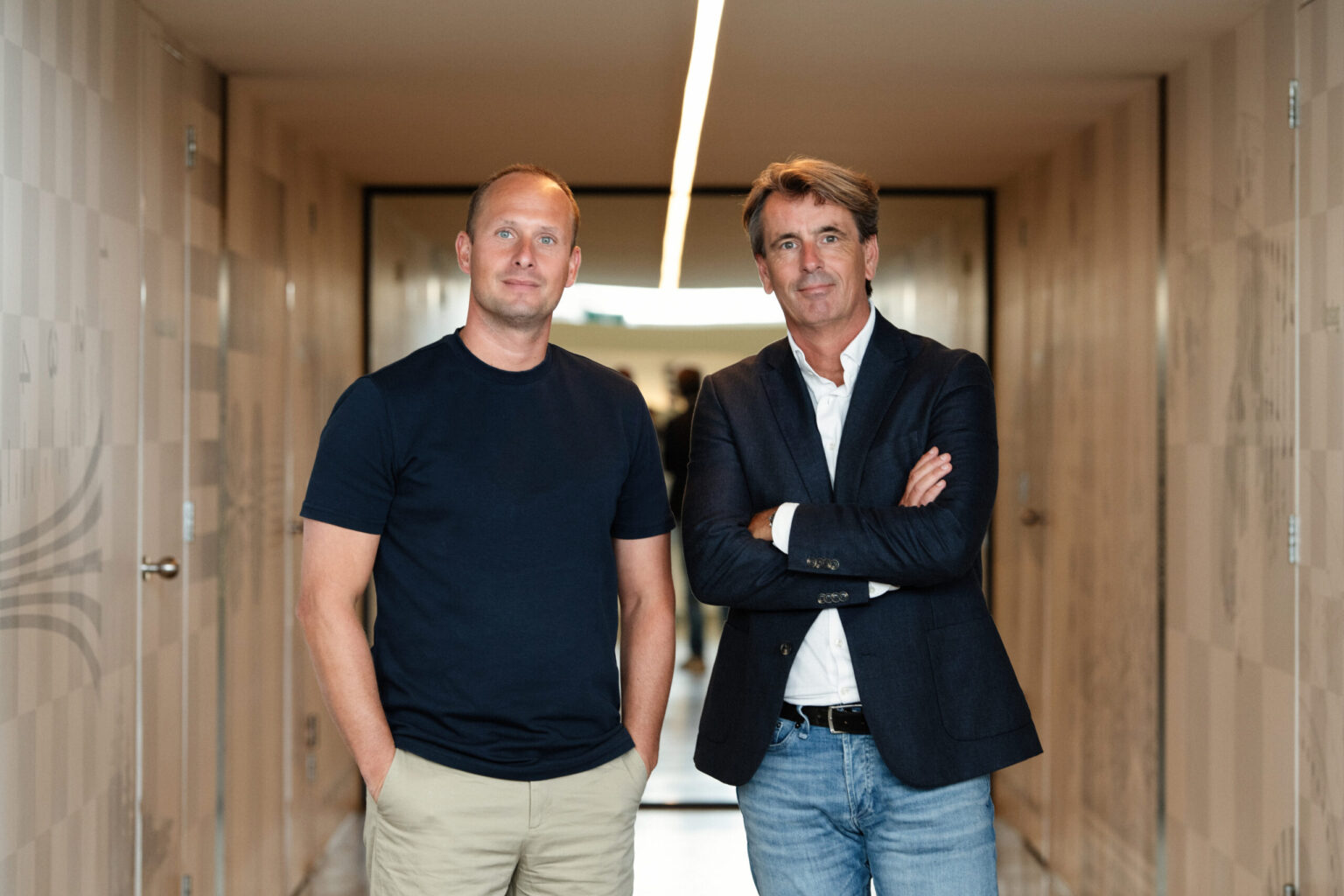
Stef is your first point of contact. We’ll discuss how your Databricks is currently set up and who needs to see which data.
E-mail info@datasciencelab.nl
Phone +31 (0)20 3636 724
Describe how your Databricks environment is currently set up. We’ll reply by email or arrange an initial conversation.
Message sent
Thanks for your message. We’ll be in touch as soon as possible.
Unity Catalog is Databricks’ governance layer. It controls access for every query, records lineage and logs activity for auditing. Tables, views, volumes, functions and models have a three-part name: catalog.schema.object.
One metastore per cloud region holds the catalogues for all workspaces in that region. Unity Catalog is enabled by default for workspaces created after 8 November 2023. It is a building block of your data foundation.
First, users, groups and service principals move to the account level, and workspace-local groups become account groups. Then you connect the workspace to a metastore, migrate the tables and grant permissions to the groups.
Next, queries and jobs are updated to use the new names, files move from DBFS to volumes, and compute runs on Databricks Runtime 13.3 LTS or higher. For large environments, there is UCX, a Databricks Labs tool that starts with an assessment. Databricks does not formally support UCX.
Unity Catalog automatically records lineage for queries on Databricks, down to column level, across all workspaces connected to the same metastore. You can see which jobs, notebooks and dashboards populate or use a table. The system tables system.access.table_lineage and column_lineage retain records for a year.
There are gaps. If you rename a table or column, its lineage is lost. If you refer to a path rather than a table name, you will not see column-level lineage in Catalog Explorer. You can add Power BI as an external object.
Yes. A row filter is a SQL function that determines whether a user can see each row, for example by showing only their own region. A column mask displays a masked value, such as a partially obscured BSN.
For applying this across many tables, Databricks recommends ABAC: policies at catalogue or schema level that use governed tags. Data Classification can automatically identify and tag sensitive data. Your organisation decides which data is sensitive and who can see what.
For a managed table, Unity Catalog manages both access and the files, in Delta or Iceberg format. Databricks recommends managed tables for new tables because maintenance and optimisation are then automatic.
External tables are stored at a path in your own storage, registered through an external location. They are useful during migration because the data does not need to move. Ideally, let other tools read from them only: writing outside Unity Catalog bypasses permissions, auditing and lineage.
Compute must run in a Unity Catalog access mode: standard, where multiple users share a cluster, or dedicated, for one user or group. Databricks recommends standard unless a workload needs something it does not support, such as Databricks Runtime for ML, GPUs, R or RDDs.
During a migration, we therefore review all clusters and jobs. This also reveals old runtimes and code that relies directly on mounts.
Unity Catalog is the tool: it enforces permissions, shows data origins and logs access. Your organisation agrees who owns a domain, which definitions apply and who approves access. You can read about that under data governance.
We set up the catalogue to reflect those agreements, with groups as owners and requests routed to the relevant owner. If we build the platform, we can also manage it through management and continuous improvement.
If you have a new workspace with one small team and a handful of tables. Unity Catalog is already enabled; a catalogue for each environment and permissions managed through a few groups are enough.
If you are still unsure whether Databricks is the right platform, start with that decision. Read Databricks implementation to see how we set up a lakehouse, and partners to see how we compare Databricks and Microsoft Fabric.